 Skip to content
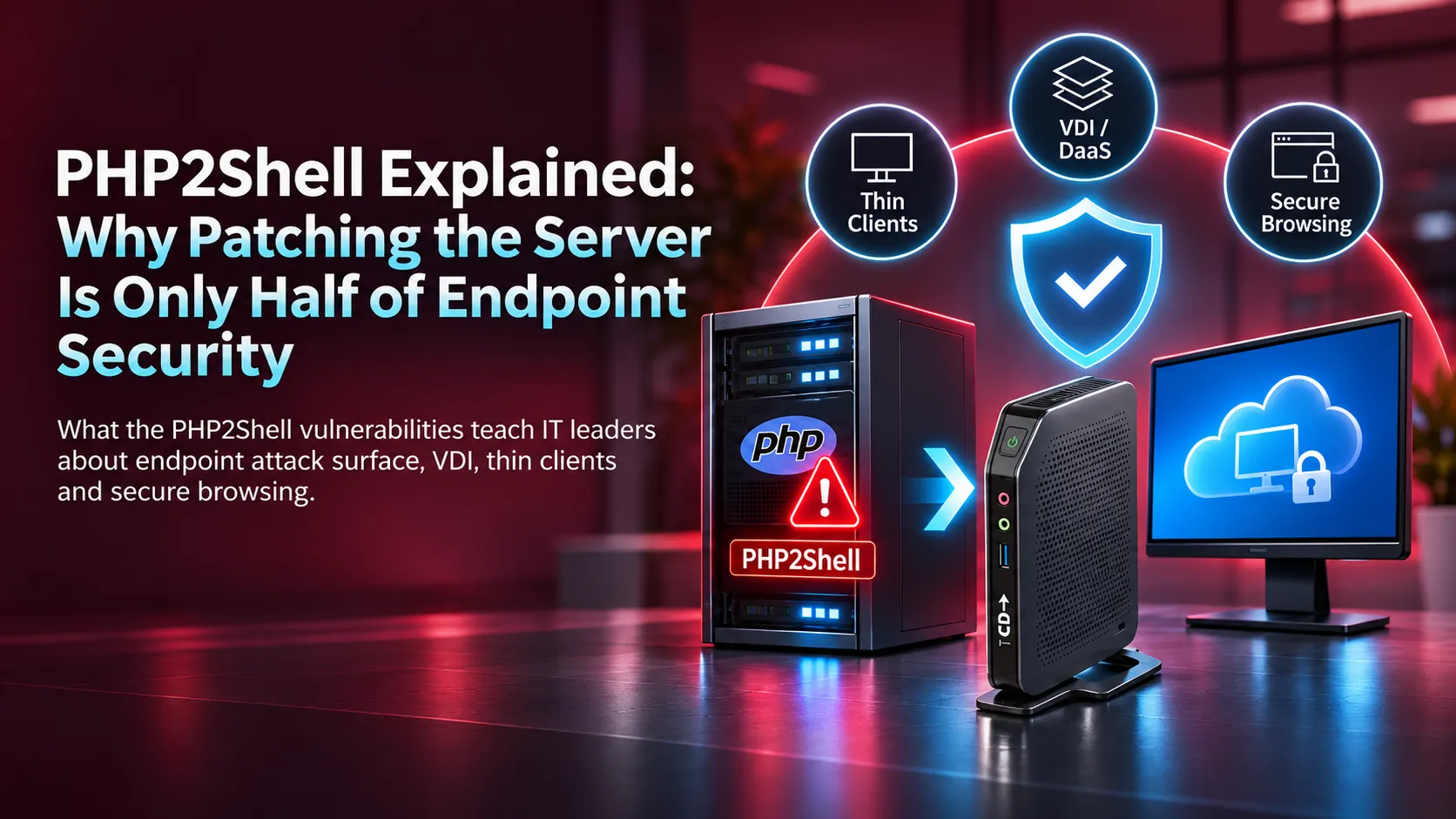
What the PHP2Shell vulnerabilities teach IT leaders about endpoint attack surface, VDI, thin clients, and secure browsing.
On 21 October 2026, the PHP project shipped emergency fixes for PHP2Shell, two critical flaws in the PHP runtime tracked as CVE-2026-109618 and CVE-2026-109619. Five days later, CISA added both to its Known Exploited Vulnerabilities catalog. If you run PHP anywhere, patch first and read the rest of this article second.
But PHP2Shell also raises a question every end-user computing (EUC) team should answer: if a server your users trust is compromised, how much damage can it do to the devices they use to reach it? That is where endpoint architecture, including thin clients, virtual desktops, and remote browser isolation, earns its place.
What Is PHP2Shell?
PHP2Shell is the name for two remote code execution (RCE) vulnerabilities in PHP core, not in any one application built on it. That is why the exposure is so broad: WordPress, Joomla, custom portals, and many vendor appliances inherit it.
| CVE | What goes wrong | Severity |
|---|---|---|
| Out-of-memory corruption during request cleanup can lead to RCE | CVSS 9.2 (Red Hat rates it Important) | |
| Stale request state reused by a later request on the same worker can lead to RCE | CVSS 9.2 |
The attacks need no login. The PHP project rates risk highest for Apache with mod_php, and code execution has also been validated against PHP-FPM, the most common setup on modern servers. PHP-CGI, FrankenPHP and LiteSpeed deployments are also in scope.
PHP2Shell Timeline: From Leak to Active Exploitation
- 17 October 2026: Amazon Threat Intelligence reports attackers began probing four days before patches existed, after details leaked.
- 20 October: The PHP security team warns administrators that emergency patches are coming.
- 21 October: PHP releases 8.5.12, 8.4.27, 8.3.36 and 8.2.35.
- 23 October: A related third flaw, CVE-2026-115560, is disclosed; its fix is scheduled for the next regular release.
- 24 October: Honeypots record working shells, per SecurityWeek.
- 26 October: CISA adds both CVEs to KEV, with a 29 October deadline for federal civilian agencies, per BleepingComputer.
How to Fix PHP2Shell Now
- Upgrade to PHP 8.5.12, 8.4.27, 8.3.36, or 8.2.35 or later. Note that PHP 8.2 reaches end of life on 31 December 2026.
- Set
session.upload_progress.enabled = Offin php.ini until CVE-2026-115560 is fixed. PHP recommends this as an interim mitigation. - If you run PHP 7.4, 8.0, or 8.1, these branches are end-of-life. Get a fix from your OS vendor or plan an upgrade.
- Check vendor appliances. Security, management, and industrial products also embed PHP. The NCSC-NL PHP2Shell tracker lists vendor status; Siemens, Schneider Electric, and Broadcom have confirmed affected products.
- Hunt for compromise, not just missing patches. Exploitation began before the fix, so a patched server may already have been breached.
EUC tip: Your own end-user computing stack may run PHP. Ask the vendors behind your endpoint management consoles, portals, and appliances for a written PHP2Shell statement.
What Does PHP2Shell Have to Do with Endpoints?
Directly, very little. PHP2Shell targets web servers, not the Windows PCs, laptops, or thin clients that access them. A thin client cannot stop PHP2Shell, and swapping PCs for thin clients will not fix an unpatched server.
The risk changes once a server falls. An attacker who controls a trusted web application can alter its content, serve malicious downloads, show fake login pages, es or target every user who visits. The question shifts from preventing the first breach to limiting the blast radius.
Why Endpoint Architecture Matters for Security
A traditional desktop is built for flexibility: local installs, local files, local admin rights, and lots of software. Each one is a door an attacker can try. A thin client inverts the model. It is configured mainly to give secure access to apps and desktops hosted elsewhere.
1. A smaller local attack surface
Purpose-built thin client operating systems run fewer services and applications than a full desktop OS. Administrators can block local installs, turn off unneeded services, and remove admin rights. That does not make a device immune to malware or browser bugs, but it removes many entry points.
2. Fewer persistent changes
Many thin client operating systems support read-only or write-protected images. Unauthorized changes can be blocked or discarded at reboot, which makes persistent local malware harder to plant. The benefit depends on configuration, including whether user data and browser profiles stay writable.
3. Applications and data off the device
With virtual desktop infrastructure (VDI) or Desktop as a Service (DaaS), business apps and data stay in a central, managed environment. Citrix, Omnissa Horizon, Azure Virtual Desktop, and Windows 365 all support this approach. If malicious content reaches a virtual session, the physical endpoint has less direct exposure than a PC running the same workload locally.
Virtual desktops still need patching, monitoring, and access controls. Centralization changes where you manage risk; it does not remove it.
Secure browsers vs. remote browser isolation
ERP, banking portals, CRM, and internal dashboards now run in the browser, making the browser a critical security boundary.
- Hardened local browser: a locked-down, centrally managed browser. It still processes web content on the endpoint.
- Remote browser isolation (RBI): web content runs in a remote, isolated environment and only a safe rendering reaches the device.
Combined with a centrally managed thin client, RBI reduces local exposure to malicious web content and gives IT control over copy, paste, print, and download. Neither approach fixes PHP2Shell. Both reduce what a compromised website can do to your users.
Security is about limiting the blast radius
No single control stops every attack. A patched server can fall to the next bug. A secure browser can still meet a phishing page. A thin client still needs updates and sound configuration. The goal is to make every hop from one compromised component to the next harder. That means layering:
- Fast server and runtime patching, tracked against the KEV catalog
- Strong authentication and least-privilege access, in line with NIST SP 800-207 zero trust guidance
- Endpoint hardening with centralized thin client management
- Browser or application isolation where the risk justifies it
- Network segmentation and monitoring
- Policies that restrict unneeded data transfer and local execution
An attacker who owns a web server should never get an easy path to your employees’ endpoints or the wider network.
Where ThinClient Direct fits
ThinClient Direct builds OS-agnostic thin client hardware for Citrix, Omnissa Horizon, Azure Virtual Desktop, and Windows 365. You choose the operating system and management platform; we help you deploy locked-down, centrally managed endpoints that keep only the functions users need. Regulated teams can look at the TAA-compliant G Series.
Already own PCs? Desktop repurposing turns suitable hardware into managed endpoints and extends its life. See the thin client vs PC cost comparison for the numbers.
Thin clients do not stop every cyberattack. They help you build an endpoint strategy with less unnecessary exposure at every layer.
Bottom Line
PHP2Shell is a server-side problem, and patching PHP is the first job. But servers, networks, and endpoints are connected. As more work moves into browsers and cloud workspaces, ask how much functionality, data, and privilege your physical endpoints really need.
Sometimes better endpoint security means less software. It is less for the endpoint to do in the first place.