 Skip to content

Every few years, the industry declares something dead.
The mainframe was supposed to be dead.
The desktop was supposed to be dead.
VDI was supposed to be dead.
The office was supposed to be dead.
And yet, here we are.
In 2026, thin clients are getting the same treatment. They are often dismissed as relics from an earlier era of enterprise computing, when VDI was the answer to everything, and users were expected to tolerate a less capable device in exchange for centralized control.
That version of the thin client story is outdated. But the thin client itself is not.
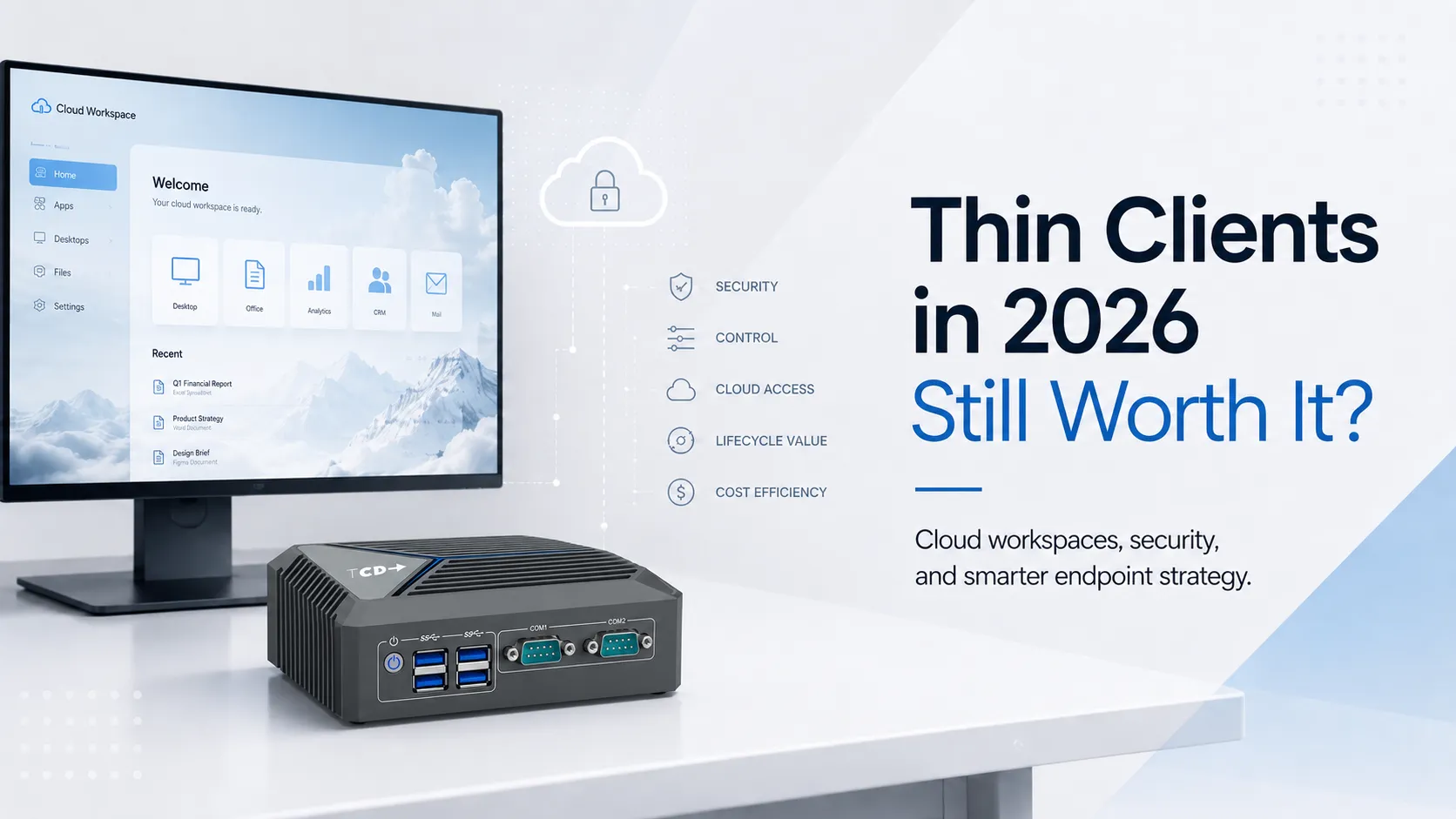
In fact, the argument for thin clients may be stronger today than it has been in years — not because the device is more exciting, but because the endpoint problem has become harder to ignore.
The Endpoint Never Went Away
Cloud computing was supposed to simplify everything.
Applications moved to SaaS. Desktops moved to Citrix, Omnissa Horizon, Azure Virtual Desktop, and Windows 365. Data moved from local machines to cloud platforms. Browsers became workspaces. Identity became the new perimeter.
But users still need something on the desk.
That “something” still has to boot, connect, authenticate, display, print, scan, redirect USB devices, support video calls, and recover quickly when things go wrong.
The cloud changed where the work happens. It did not eliminate the endpoint.
That is the uncomfortable truth many IT strategies still dance around.
Organizations have spent years modernizing applications, identity, security, and cloud infrastructure. Yet the endpoint strategy in many companies remains surprisingly conventional: buy another PC, image it, patch it, secure it, support it, replace it, repeat.
For some users, that still makes sense. For many others, it looks increasingly excessive.
That shift has made endpoint selection more complicated, not less. Hardware, operating system, centralized management, peripheral support, and workspace compatibility must now be considered together. ThinClient Direct’s overview of thin client solutions for modern workspace platforms shows how those layers fit across Citrix, Omnissa Horizon, Azure Virtual Desktop, Windows 365, and several endpoint operating systems.
The Full PC Is Becoming Harder to Justify Everywhere
The enterprise PC is not going away. It should not.
There will always be users who need local performance, mobility, offline access, development tools, graphics capability, or a flexible Windows environment. A serious endpoint strategy has to acknowledge that.
But the idea that every user automatically needs a full PC is becoming harder to defend.
Consider the typical task worker. Or the call center agent. Or the clinical workstation user. Or the branch employee. Or the shared desk in a warehouse, training room, lab, or front office.
In many of these cases, the endpoint is no longer a personal computer. It is an access point.
The actual desktop may be virtual.
The applications may be SaaS.
The data may be centralized.
The browser may be locked down.
The session may follow the user.
Multiple people may share the device in a day.
So why keep treating that endpoint like a full general-purpose computer?
That is the question thin clients force IT leaders to ask. And it is a good question.
The financial calculation also extends well beyond the purchase price. Energy consumption, support effort, replacement cycles, software licensing, and usable hardware life all affect the real cost of an endpoint. TCD’s thin client versus PC cost comparison explores those lifecycle considerations in more detail without pretending that thin clients are automatically the right answer for every role.
This Is Not the Thin Client Pitch From 2010
The thin client pitch used to be simple: lower hardware cost.
That was never the whole story, and in some cases it was not even the most compelling part. Cheap endpoints that frustrate users are not a strategy. They are a future support ticket.
The modern thin client discussion is different. It is about reducing the amount of operating system that has to live at the edge. It is about shrinking the local attack surface. It is about making devices easier to manage, easier to replace, and harder to misuse. It is about aligning the endpoint with the way work is actually delivered.
In 2026, a thin client is not interesting because it is small. It is interesting because it is limited by design.
That limitation is not a weakness when the user does not need a full local computing environment. It is the point.
A well-designed thin client endpoint should do a few things extremely well: start quickly, authenticate securely, launch the right workspace, support the required peripherals, deliver a good user experience, and stay out of the way.
That is not glamorous. It is operationally valuable.
Windows 10 Turned a Background Issue Into a Budget Conversation
Microsoft ended support for Windows 10 on October 14, 2025, ending standard technical assistance, feature updates, and security fixes for the operating system.
That milestone is not, by itself, an argument for thin clients. It is an argument against automatically replacing every Windows 10 machine with another full PC. Refresh projects offer IT teams a rare opportunity to reconsider which users require local computing and which simply need controlled access to a centrally delivered workspace.
ThinClient Direct examined that choice in its analysis of what to do after Windows 10 end of support, including the option of converting suitable Windows 10 hardware into managed cloud-workspace endpoints rather than discarding an otherwise functional fleet.
A lot of hardware still works. That does not mean it belongs in the next Windows lifecycle.
Some devices cannot move cleanly to Windows 11. Others can, but the business case is weak. The machine may be physically good enough, but not worth managing as a full Windows endpoint for another cycle.
This is where the conversation gets interesting. The default move is a refresh. Old PC out. New PC in.
That is simple. It is also lazy.
A better approach is to segment the estate.
- Which users need a new PC?
- Which users need a laptop?
- Which existing devices can be repurposed?
- Which locations need purpose-built thin clients?
- Which users only need secure access to Citrix, Omnissa, AVD, Windows 365, or browser-based applications?
This is where thin clients become less of a product category and more of a strategic option.
They give IT a way to avoid replacing every endpoint with another full Windows machine simply because that is how endpoint refreshes have always been done.
Security Teams Should Be Paying Attention
For years, thin clients were discussed mainly by EUC and infrastructure teams.
Security teams should be more interested than they often are.
A full PC is powerful, but it is also a lot to defend. It requires patching, endpoint protection, encryption, application control, local policy enforcement, user privilege management, monitoring, and incident response. Multiply that by thousands of endpoints, and the operational burden is obvious.
A thin client does not remove security responsibility. But it can reduce the number of things that need to be secured locally.
A locked-down endpoint with limited local function, centralized configuration, minimal local data, and controlled access paths is easier to reason about. It is also easier to replace if something goes wrong.
That matters in healthcare. It matters in financial services. It matters in manufacturing. It matters in education. It matters anywhere shared devices, regulated workflows, and predictable access are more important than local flexibility.
The endpoint is still part of the attack surface. The question is how much attack surface the business actually needs.
The Repurposing Angle Is Underrated
One of the more practical thin client stories in 2026 is not about buying thin clients at all.
It is about turning existing PCs into thin client-style endpoints.
Through desktop repurposing, suitable PCs can be converted into centrally managed access terminals for VDI, DaaS, cloud workspaces, and web applications. It will not rescue hardware that is unreliable or incapable of supporting the required workload, but it can extend the useful life of machines that no longer make sense as fully managed Windows endpoints.
This is where many organizations should start. Before issuing a purchase order for thousands of new devices, IT should ask whether some of the current fleet can be repurposed with a thin client OS or a locked-down access layer.
That approach will not work for every device. Some hardware is too old, too unreliable, too underpowered, or too poorly matched to modern video and peripheral requirements.
But in many environments, repurposing can buy time, reduce waste, extend hardware life, and create a cleaner access model without a full refresh.
It also gives IT a useful bridge. Organizations can repurpose where it makes sense, deploy purpose-built thin clients where they are needed, and reserve full PCs for users who actually benefit from them.
That is what a mature endpoint strategy looks like.
Not ideological. Not all-PC. Not all-thin client. Workload-based.
Repurposing should not become another ideology, either. When existing machines cannot meet display, peripheral, performance, reliability, or lifecycle requirements, purpose-built thin client hardware may be the more predictable option. The point is to evaluate both paths rather than treating replacement or reuse as the automatic answer.
The Hard Part Is Not Buying the Box
Thin client projects fail when organizations treat them like commodity hardware purchases.
The box matters, but it is not the project. The real work is in the matching.
What platform are users connecting to? Citrix? Omnissa? Azure Virtual Desktop? Windows 365? SaaS? A secure browser? A mix of all of them?
- How many monitors do they need?
- Do they use Teams, Zoom, or Webex?
- Are there webcams, headsets, badge readers, printers, scanners, signature pads, or specialized USB devices?
- Is the workstation shared?
- Does the user need fast roaming?
- Is authentication handled through SSO, MFA, smart card, badge tap, or something else?
- Will IT manage the endpoint through IGEL, Unicon, Stratodesk, Praim, Rangee, Windows IoT, or another platform?
These are not minor details. They determine whether the user experience is smooth or miserable.
The thin client market has sometimes done itself no favors by overemphasizing the device and underemphasizing the deployment model.
A thin client that cannot support the real workflow is not a thin client problem. It is a planning problem.
The Market Needs Less Hype and More Segmentation
There is a tendency in IT to turn every category into a religion.
- VDI versus physical desktops.
- Cloud versus on-prem.
- PC versus thin client.
- Windows versus Linux.
Most of the time, these debates are less useful than they sound.
The right answer is almost always segmentation.
- A developer may need a powerful PC.
- A remote executive may need a premium laptop.
- A call center agent may need a thin client.
- A shared clinical station may need a locked-down endpoint with badge access.
- A warehouse terminal may need rugged hardware.
- A temporary worker may need browser-only access.
- A Windows 10-era PC may deserve a second life as a repurposed cloud endpoint.
Those examples are not edge cases. They represent materially different endpoint requirements. A closer look at common thin client use cases shows why call centers, healthcare workstations, financial institutions, educational environments, and industrial locations often arrive at different answers even when they use similar virtualization technologies.
This is not a failure of standardization. It is intelligent standardization.
The standard should not be a single device for everyone, but rather a clear decision framework.
So, Are Thin Clients Worth It?
Yes — but only if the question is being asked honestly.
Thin clients are worth thinking about when the work is centralized, virtualized, browser-based, or cloud-delivered. They are worth thinking about when security and management matter more than local flexibility. They are worth thinking about when shared workstations create support and compliance headaches. They are worth considering when a Windows refresh presents an opportunity to rethink the endpoint rather than replace it.
They are not worth thinking about as a blind PC replacement strategy.
That distinction matters.
The best thin client deployments are not built on the idea that every user should have less computer.
They are built on the idea that many users have been given more endpoint than they actually need.
Where ThinClient Direct Fits In
This is the kind of conversation ThinClient Direct is trying to move forward.
The point is not to sell thin clients as a universal answer. The point is to help organizations decide where thin clients, repurposed PCs, hardened endpoints, and full PCs each make sense.
That requires understanding the environment: Citrix, Omnissa Horizon, Azure Virtual Desktop, Windows 365, secure browsers, SaaS, peripherals, authentication, user types, device lifecycle, and management requirements.
For IT teams beginning that evaluation, the ThinClient Direct Ultimate Thin Client Guide for 2026 provides the deeper technical context that an editorial article cannot. It examines where thin clients sit within the modern EUC stack, how they compare with PCs and laptops, and how workload, security, management, and peripheral requirements should influence the decision.
That is the right framing.
Not “thin clients are back.” Not “PCs are dead.”
A better framing is this: The endpoint deserves a rethink.
Final Word
Thin clients are not as exciting as AI PCs. They are not designed to impress users with local horsepower or premium industrial design.
Their value is quieter than that.
- They reduce what has to be managed.
- They limit what can go wrong locally.
- They make shared access easier.
- They give IT more control.
- They can extend the life of existing hardware.
- They can lower the cost and complexity of delivering cloud workspaces.
In 2026, that is not outdated.
It is exactly the kind of practical thinking many IT organizations need.
Thin clients are not the future of every endpoint.
But they are absolutely part of the future of a smarter endpoint strategy.