 Skip to content

The Dell OptiPlex 3000 is one of the most recognizable entry-level business desktops in enterprise IT. It’s everywhere. Easy to buy, easy to deploy, and backed by a brand most teams have trusted for years.
But here’s the honest question that’s starting to come up more often: Is it actually worth the price in today’s endpoint environments?
As organizations move deeper into VDI, cloud PCs, and browser-based workflows, endpoints no longer do the heavy lifting. They’ve become access points. And when that reality sinks in, the pricing of traditional desktops like the OptiPlex 3000 starts to feel a bit… disconnected.
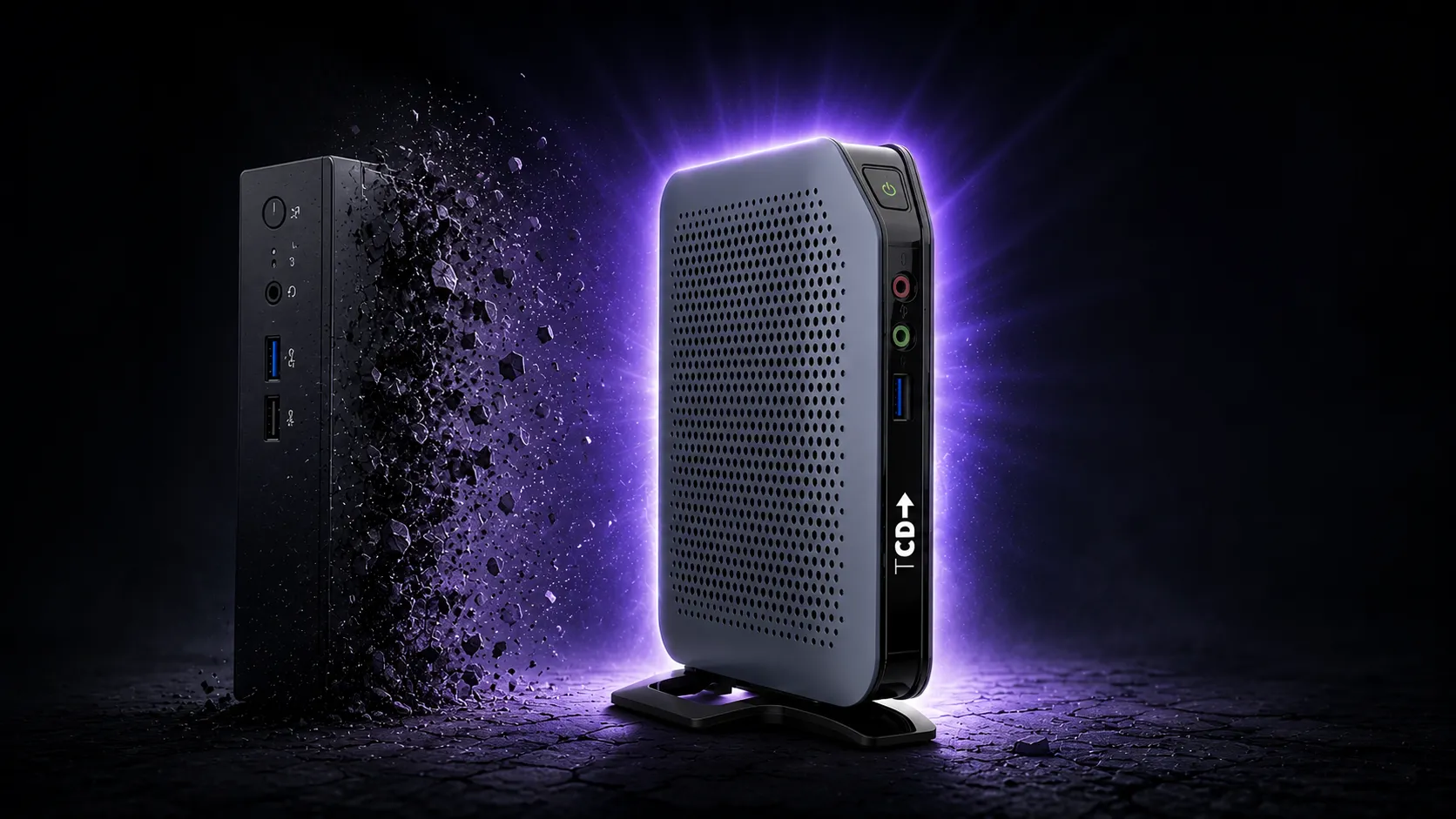
Is the Dell OptiPlex 3000 Overpriced?
In many modern EUC environments, yes.
The Dell OptiPlex 3000 is overpriced when used as a thin client endpoint, as organizations end up paying for a full desktop ecosystem while using only a fraction of its capabilities. In cloud and VDI deployments, where endpoints primarily provide access to virtual desktops, the added cost of tightly integrated hardware and software does not always translate into better performance or longer lifespan.
Why the Dell OptiPlex 3000 Feels Overpriced
At first glance, nothing seems wrong. The specs look fine. The branding is strong. Procurement is easy.
But once you start configuring it for real use, the cost climbs quickly. And that’s usually when IT teams pause and ask themselves what they’re really paying for. Because it doesn’t feel like raw performance, it feels like you’re paying for ecosystem alignment. Firmware control. Licensing layers. Vendor standardization. And in a cloud-first environment, that can feel like overkill.
There’s a moment in almost every EUC project where someone says it out loud: Why are we spending this much on endpoints that are essentially just connecting to something else?
Is the Memory Soldered in the Device?
This is one of those practical questions that actually matters.
In standard desktop models, the answer is no. RAM is not soldered. You get DDR4 slots, which means upgrades are possible and the device can evolve. That’s exactly what you want in an enterprise system. But things change when you look at the thin client variants.
Even when memory isn’t technically soldered, the platform is more constrained. Storage is often eMMC-based, expansion options are limited, and overall flexibility is reduced. On paper, it looks upgradeable. In reality, you’re working within boundaries that show up quickly in production.
That’s usually when teams start thinking ahead. If we’re already limited now, what does this look like in two or three years?
The Real Cost Drivers Behind the Dell OptiPlex 3000 Pricing
When you break it down, the pricing starts to make sense. It just doesn’t always feel aligned with modern use cases.
- You’re paying for the Dell ecosystem as much as the hardware.
- Operating systems like Dell ThinOS and Windows IoT introduce licensing layers.
- Firmware and updates are tightly controlled and vendor-specific
- Configurations are standardized rather than optimized for your environment.
- Dell’s roadmap, not yours, influences lifecycle decisions.
Individually, these aren’t problems. But together, they create a model in which cost is tied to vendor alignment rather than flexibility.
And that’s where the friction starts.
The Bigger Issue: Software Lock-In and Hardware Lifespan
This is the part that tends to frustrate teams the most. Everything works well… until something changes.
Dell’s tight integration between hardware and software creates a dependency. When operating systems shift, support for Windows changes, or product directions evolve, the hardware often gets pulled along.
Not because it stopped working. But it no longer fits within the supported ecosystem. That’s a tough situation to be in, especially when you’re looking at perfectly functional devices that now need to be replaced.
This is where many IT leaders start rethinking their approach, not just to Dell, but to endpoint strategy as a whole.
What IT Teams Experience in Real Deployments
This is where things start to feel different from the spec sheet.
On paper, the OptiPlex 3000 looks solid. And to be fair, the hardware itself is generally reliable. That’s not where most issues come from.
The friction shows up in day-to-day operations. Management platforms like Wyse Management Studio can introduce inconsistency in how policies are applied, how updates are handled, and how endpoints behave over time. What should be centralized control sometimes turns into unpredictable behavior across devices.
Then there are the smaller frustrations that add up. Limited storage configurations. BIOS quirks when expanding beyond standard setups. Systems that technically support changes, but don’t always handle them cleanly.
None of these is a deal-breaker on its own. But together, they create an environment in which IT teams spend more time managing endpoints than they expected. And that’s where the perception of value starts to shift.
This Isn’t Really a PC Anymore
There’s a bigger shift happening that doesn’t get talked about enough.
Devices like the OptiPlex 3000 are no longer being used as traditional PCs. In most modern deployments, they function as access points into virtual environments. That changes everything.
You’re not buying compute power in the traditional sense. You’re buying a gateway to a workspace that lives elsewhere. And once you look at it that way, the pricing starts to feel harder to justify.
The question becomes simple: Why pay for a full desktop experience when all you need is efficient, flexible access?
What Makes TCD Devices Competitive
ThinClient Direct approaches this differently, and you can feel that difference almost immediately.
Instead of locking hardware into a single software path, TCD builds devices that stay flexible. You can run IGEL OS, eLux, Rangee OS, Windows IoT, and shift between them as your environment evolves.
That flexibility is a game-changer. It means your hardware isn’t tied to a single decision you made years ago. It means you can adapt without triggering a full refresh cycle. It means you stay in control.
There’s also a practical side that teams genuinely appreciate—getting devices preconfigured for testing. Moving quickly through proof-of-concept phases and adjusting without long delays. It just makes projects smoother. And if you’ve ever been stuck waiting weeks for hardware to validate a concept, you know how big a deal that is.
If you want to see what that looks like on a real device, the TCD 1 Series 001 thin client is a strong example of how endpoints can be designed around flexibility rather than restriction.
A Smarter Way to Evaluate Endpoint Value
The way endpoints are evaluated is changing, whether vendors like it or not. It’s no longer just about specs or brand familiarity. It’s about how long the device remains useful, how adaptable it is, and how much control you retain over it.
If you’re already questioning Dell’s approach or exploring alternatives, this breakdown of Dell Wyse thin client alternatives offers a more practical look at how different endpoint strategies play out in real-world environments.
Final Perspective
The Dell OptiPlex 3000 is still a solid machine. Reliable, predictable, and easy to deploy.
But in modern EUC environments, it can feel like you’re paying for a model from a different era. And that realization hits a bit harder than expected when you’re managing budgets at scale.
Because at the end of the day, it’s not about whether the device works. It’s about whether it still makes sense. And right now, more organizations are realizing that control over their endpoint strategy matters more than ever.
Once you see that clearly, it’s very hard to ignore.
If you’re weighing your next endpoint move and want clarity before making a decision, it’s worth getting a quick second opinion from someone who’s worked through these deployments firsthand.
Book a Call With an EUC Expert →