IGEL OS 11 End of Life: Should You Migrate to OS 12 or Consider Alternatives?
June 17th, 2026
If you’re still running IGEL OS 11, you’ve probably seen the June 30, 2026 End of Maintenance deadline on your radar. And if you’re like most IT teams we talk to, your real question isn’t “what’s the deadline?” — it’s “what should we actually do?”
That’s the right question to be asking.
For some organizations, migrating to IGEL OS 12 is the clear answer. For others, the smarter move is replacing aging hardware, repurposing existing PCs, or evaluating a different endpoint OS altogether. The deadline is real, but it doesn’t dictate the solution — your environment does.
At ThinClient Direct, we help organizations work through exactly this kind of decision. This guide lays out what you need to know: what changes in OS 12, what the migration actually involves, where it gets complicated, and how to figure out the path that’s right for your users and your budget.
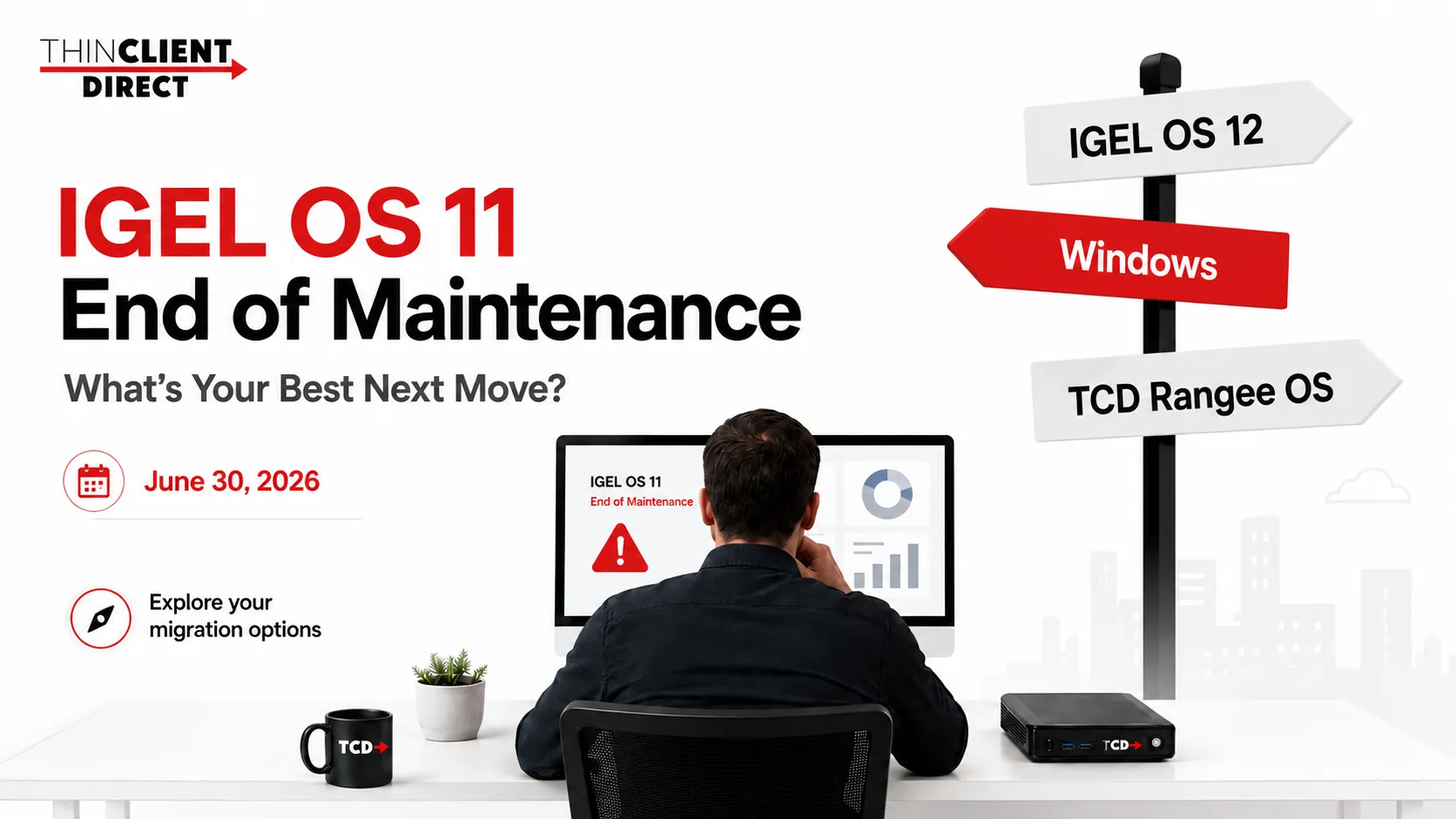
Table of Contents
ToggleWhy the IGEL OS 11 Deadline Actually Matters
End of Maintenance doesn’t mean your devices stop working on July 1, 2026. What it does mean is that IGEL OS 11 will stop receiving security patches, bug fixes, and vendor support from that point forward.
For most IT environments — especially those in healthcare, finance, regulated industries, or any organization with a serious security posture — that’s not a risk you want to carry. An unpatched endpoint OS becomes a liability, both operationally and from a compliance standpoint.
So yes, the deadline matters. But it matters because it creates risk, not because it creates an emergency. The difference is important: risk can be managed with a plan. Emergencies happen when you don’t have one.
What Actually Changes Going from IGEL OS 11 to OS 12
This is not a typical “update, and you’re done” upgrade. IGEL OS 12 is a different platform model.
OS 11 bundles the OS, firmware, and components together into a more unified image. You manage it through familiar UMS workflows, and for most OS 11 admins, the day-to-day is well understood.
OS 12 moves to a modular, app-centric architecture. The base system and individual applications — Citrix Workspace App, Microsoft AVD, Omnissa Horizon, Imprivata, Chromium, printers, USB redirection, etc. — are managed more separately. You can update certain components without touching the entire image, which is genuinely useful. But it also means there are more moving parts to understand and manage.
IGEL OS 12 replaces OS 11’s unified firmware model with a modular platform in which the base system and apps are managed independently. It also introduces new App Portal workflows, OS 12-specific profiles, subscription licensing, and updated UMS tools. While this offers greater flexibility and long-term value, organizations must reassess hardware compatibility, rebuild parts of their management strategy, and thoroughly test before migrating—it is not simply a firmware upgrade.
The App-Centric Model: More Flexible, More to Validate
The biggest operational shift in OS 12 is thinking in terms of a base system + apps rather than a single image.
That means before you migrate any device, you need to validate that the right combination of OS 12 base and required apps actually delivers what your users need. Not just “boots and connects,” but fully supports the workflows your business depends on.
A Citrix environment needs to validate:
- Citrix Workspace App version and behavior
- Teams and Zoom optimization
- Smart card and USB redirection
- Printer mapping, webcam, headset support
- Multi-monitor performance and authentication flows
An AVD or Windows 365 environment needs to validate:
- Microsoft AVD client compatibility
- Multimedia redirection and browser behavior
- Entra ID and conditional access
- Camera, headset, and printing support
A healthcare environment needs to validate:
- Imprivata badge tap and session roaming
- Fast login/logout workflows
- Clinical peripherals — label printers, scanners, badge readers
- Shared workstation behavior and security policies
The question to ask isn’t “can this device run OS 12?” The question is “can this device, with the right OS 12 base and app set, deliver the experience our users actually need?” Those are different questions with potentially different answers.
Profiles and Policies: Don’t Rush the Rebuild
Many organizations have years of OS 11 profiles sitting in UMS — device groups, inherited settings, site-specific exceptions, custom configurations built up over time. That’s institutional knowledge baked into your endpoint environment. It shouldn’t be thrown away or blindly carried forward.
The migration to OS 12 is a good opportunity to clean up, simplify, and modernize your endpoint configuration. But doing it carelessly creates real problems: login failures, display issues, printing errors, broken application sessions, inconsistent user experience.
Before you migrate, take stock of what you actually have in UMS:
- Active OS 11 profiles and device groups
- Citrix, Horizon, AVD, and RDP settings
- Network, display, and USB configuration
- Security policies, certificates, and authentication settings
- Printer, smart card, and badge reader configurations
- Any site-specific exceptions or local customizations
A good migration isn’t just moving devices. It’s rebuilding confidence in your endpoint configuration — and doing it intentionally.
Licensing: The Conversation You Need to Have Before Anything Else
Many OS 11 environments were built on older licensing models — perpetual licenses or Workspace Edition. IGEL’s current direction is subscription-based, and that’s a meaningful change for many organizations.
Before you commit to a migration path, you need to understand where you stand commercially, not just technically. Key questions to work through:
- What licenses are assigned to your current OS 11 devices, and are they under active maintenance?
- What happens to those licenses after the End of Maintenance date?
- Are there migration or co-terming options available to you?
- If you’re running mixed OS 11 and OS 12 during transition, what does that cost?
- Does the OS 12 subscription model fit your budget across the full device fleet?
- Are there users or use cases where a different endpoint OS would be more cost-effective?
The technical migration path and the commercial licensing path are related, but they aren’t the same thing. Understanding both — before you start moving devices — saves a lot of headaches later.
IGEL OS 12 May Not Be the Right Answer for Every OS 11 Customer
We work with many organizations navigating this decision, and the honest answer is that OS 12 is a strong platform, but it’s not automatically the right move for everyone.
You should consider whether OS 12 is the right path if:
- Your current hardware is aging or underpowered for today’s workloads
- Your environment depends on specialized peripherals with uncertain OS 12 support
- Your IT team wants a simpler management model than what OS 12 introduces
- The subscription licensing model doesn’t align with your budget
- Your OS 11 setup involves heavy customization that needs significant rework
- You’re already planning a broader endpoint refresh and want to evaluate options
This isn’t about avoiding OS 12 — it’s about making the right call. Sometimes that’s OS 12. Sometimes it’s something else. Getting that decision right is worth the time to evaluate.
Four Paths Forward — and How to Know Which Fits
Option 1: Migrate to IGEL OS 12
The right fit when your hardware is capable, your apps are validated, your licensing path is clear, and your team is ready for the OS 12 management model. Best for organizations already deeply invested in IGEL, comfortable with UMS, and ready for app-based endpoint management.
Option 2: Replace Aging Hardware
Some devices shouldn’t be carried into another lifecycle. If the hardware is too old to comfortably support today’s collaboration tools, multi-monitor setups, or video conferencing, replacement may be the better long-term investment. Modern thin clients deliver better performance, reliability, and standardization — and they eliminate the cost of trying to keep aging hardware limping along.
Best fit for: Older thin client fleets, users who need better Teams or Zoom performance, branch refresh projects, regulated environments that require consistent hardware standards.
Option 3: Repurpose Existing PCs
In some environments, the most cost-effective short-term move is to install a thin-client OS on x86 PCs already deployed. This reduces capital expenses, extends device lifespans, and gives IT more time to standardize the endpoint fleet gradually.
Best fit for: Budget-sensitive environments, mixed fleets, organizations that need more runway before a full refresh.
Option 4: Evaluate the TCD Rangee OS Offering
If you want to compare before committing, the TCD Rangee OS offering is worth a look. It’s a centrally managed endpoint OS with a different licensing and management model — designed to support cloud workspace access, PC repurposing, and simpler endpoint management for organizations unsure whether IGEL OS 12 is the right fit.
We can walk you through both side by side so you can make an informed decision rather than a default one.
Hardware Readiness: Don’t Assume, Assess
One of the most common mistakes in endpoint migrations is assuming that “it worked on OS 11, so it’ll work on OS 12.” Hardware that was fine under OS 11 may not have the performance headroom for OS 12 — especially when users are running Microsoft Teams, Zoom, browser-based SaaS tools, multiple monitors, and webcams simultaneously.
Before you start moving devices, sort them into three buckets:
- Good candidates for OS 12 migration — newer hardware with sufficient resources
- Need testing before a decision — mid-range devices or those with specialized peripherals
- Should be replaced or repurposed — aging hardware that’s approaching the end of usable life anyway
This prevents wasting migration effort on devices that should have been retired and ensures you know where you’re investing before you start.
What a Solid Migration Plan Actually Looks Like
There’s a temptation to treat this as a technical project: push OS 12 to devices, validate a few things, move on. In practice, the organizations that navigate this most smoothly treat it as both a technical and a business planning exercise.
Here’s the framework we recommend:
- Endpoint Inventory — Document every OS 11 device: model, location, user group, specs, firmware version, and business function.
- Use Case Mapping — Group users by workflow. A call center agent, a clinical workstation, a task worker, and a multi-monitor knowledge worker may all need different endpoint decisions.
- Licensing Review — Understand your current licenses, maintenance status, and renewal options. Compare subscription costs with those of alternative platforms where relevant.
- Hardware Assessment — Classify devices as migration, testing, or replacement candidates.
- App and Peripheral Validation — Test the actual tools your users depend on: Citrix, Horizon, AVD, RDP, browsers, Imprivata, Teams, Zoom, printers, smart cards, webcams, headsets, scanners.
- Profile and Policy Redesign — Review existing OS 11 profiles and intentionally rebuild what’s needed for OS 12, rather than carrying everything forward uncritically.
- Pilot Deployment — Test with a small, representative group of users before rolling out broadly.
- Phased Rollout — Move in waves. A controlled rollout lets you catch and resolve issues before they affect hundreds or thousands of users.
- Support Planning — Prepare your help desk, document rollback procedures, stage spare devices, and define escalation paths.
How ThinClient Direct Can Help
We help organizations make endpoint decisions with a practical, clear-eyed approach — not a vendor sales pitch.
We can help you assess your current IGEL OS 11 environment, explain what OS 12 migration actually involves for your specific setup, identify which devices are good candidates and which should be retired, review profile and app migration complexity, validate your critical workflows and peripherals, and compare IGEL OS 12 against the TCD Rangee OS offering where an alternative makes sense.
We’re not here to push every customer toward one platform. Some organizations should move to IGEL OS 12. Some should consider TCD Rangee OS. Some should replace hardware. Some need a hybrid plan. Our job is to help you figure out which situation you’re in and build a practical path forward.
Don’t Let the Deadline Force the Decision
The worst version of this situation is waiting until the pressure is so high that you migrate without thinking — and end up with a rushed deployment that creates disruption instead of solving it.
The best version starts now, assesses your environment clearly, and makes a deliberate choice about what comes next.
IGEL OS 11 reaching End of Maintenance is, genuinely, a good opportunity to clean up configurations, evaluate whether your endpoint strategy still fits, validate your licensing model, and ensure your devices are actually delivering the performance your users need.
A planned transition improves security, simplifies support, and creates a better foundation. A rushed one just creates a different set of problems.
Schedule a Free IGEL OS 11 Review
Still running IGEL OS 11 and not sure what to do? We offer a free consultation to help you assess your current environment, understand your options, and build a migration plan that actually fits your organization.
Whether you’re leaning toward IGEL OS 12, curious about TCD Rangee OS, planning a hardware refresh, or just trying to figure out where to start — we can help you get there.