 Skip to content

When Google first brought ChromeOS to market, the pitch was clear: strip away the complexity of traditional desktops and give users a fast, secure, web-first experience. A decade later, ChromeOS has matured. It’s no longer just for classrooms — it’s powering call centers, clinics, warehouses, and retail floors.
But as CIOs and IT directors rush to simplify endpoints, a critical question gets lost in the hype: what happens if you need to change course?
Today, there are two ways to embrace ChromeOS:
- Buy Chromebooks — devices built and locked to run ChromeOS.
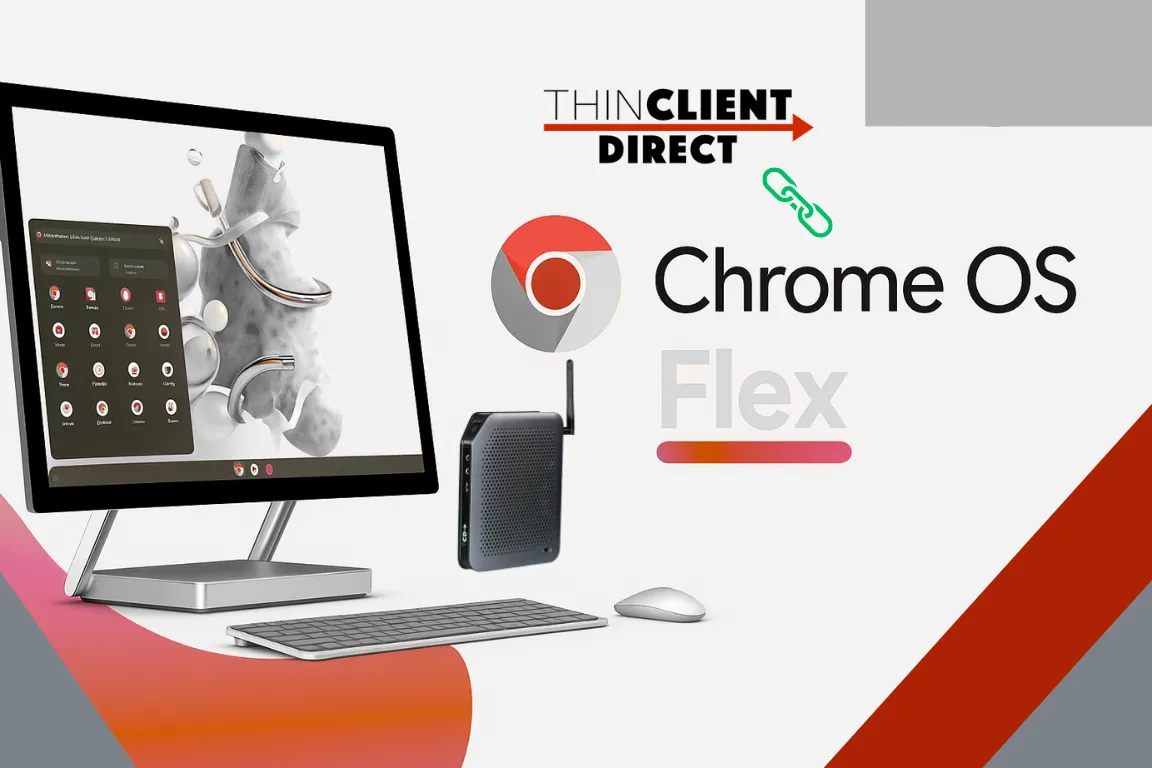
- Install ChromeOS Flex — Google’s lightweight OS you can drop onto existing PCs or new, flexible hardware.
They look similar on the surface. Under the hood, the choice could define your flexibility (or lack thereof) for years.
The Chromebook Trap
Chromebooks are sleek and well-tuned. Battery life is fantastic, updates are automatic, and the Titan C security chip keeps threats at bay. But the delicate print matters:
- These machines are built for ChromeOS and ChromeOS only.
- Once the Auto Update Expiration (AUE) hits, the clock runs out on official support.
- Converting them to Windows, Linux, or a thin-client OS later isn’t what Google designed — and usually means losing the very security you paid for.
That’s fine for organizations that know they’ll live in Google Workspace forever. For everyone else, it’s lock-in disguised as simplicity.
A Smarter, More Flexible Play
At ThinClient Direct, we see another path: secure hardware with TPM and open doors.
Our thin-client devices can run ChromeOS Flex today — giving you the same web-first experience, verified boot, remote wipe, and enterprise management you’d expect. But we don’t weld you into one future.
Do you need to pivot to Windows 365 or Azure Virtual Desktop? Are you exploring a Linux-based thin-client OS? Do you want to standardize on Citrix or Omnissa Horizon later?
You can — on the same hardware. The TPM keeps your security posture strong, but the box isn’t locked to a single vendor’s roadmap. For IT leaders new to TPM, our article Understanding TPM in Thin Client or PC Hardware: Why It’s Important and When It’s Needed explains how it enhances device trust and compliance readiness across enterprise environments.
Why Flexibility Matters Now
The endpoint landscape is changing faster than ever — and vendor commitment often turns into constraint. We’re watching companies:
- Embrace Google for frontline and task workers.
- Pull back to Windows for specialty apps.
- Test browser isolation and DaaS for cost control.
- Juggle hybrid work, new compliance rules, and cost pressures.
If your devices can’t adapt, you’re forced into refresh cycles every time the strategy shifts. That’s wasteful — and expensive.
Read Beyond Vendor Lock-In: How OS-Agnostic Thin Clients Future-Proof Your IT Strategy for a deeper look at how OS-agnostic strategies protect long-term agility.
Editorial Take
ChromeOS is a great OS. Chromebooks are polished hardware. But tying your future to one ecosystem is risky when digital workspaces evolve faster than procurement cycles.
Going with TCD devices + ChromeOS Flex lets you:
- Modernize now without ripping and replacing later.
- Stay secure with TPM.
- Shift to VDI, Windows 365, or Linux if your EUC direction changes.
It’s the balance innovative IT leaders want: simplicity today, options tomorrow.
ThinClient Direct helps organizations deploy secure, cost-efficient endpoints — without locking them into a single OS path.
Request a strategy session to explore how flexible hardware can keep your EUC plans future-proof.