 Skip to content

In many endpoint environments, hardware does not reach the end of its useful life because it suddenly becomes incapable of performing its intended function. It ends when the software vendor withdraws support.
A device may boot quickly, connect reliably, and perform well, but vendor software changes can render it obsolete. Often, it is the software, not the endpoint, that expires first.
Dell’s own ThinOS lifecycle documentation shows how this works in practice. Dell states that ThinOS updates and fixes are applied to the latest qualified release for supported platforms, that resolutions in older releases are not offered, and that software lifecycle is set separately from hardware warranty coverage.
Dell also notes that a ThinOS 8.6 support exception for some older models terminated in January 2024. That distinction matters.
Because hardware life and software life are not the same thing.
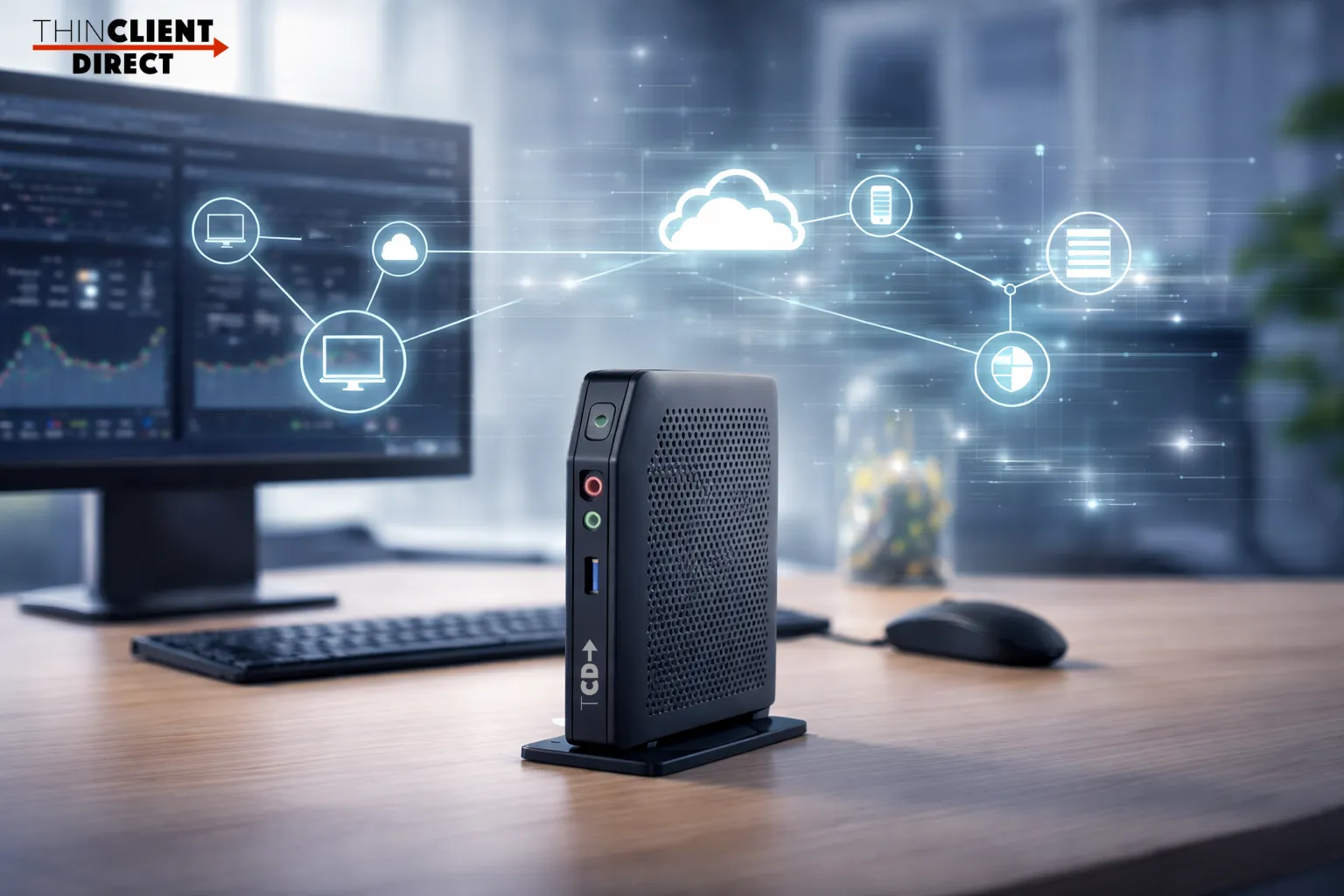
Hardware Life and Software Life Are Not the Same
A thin client often remains reliable and useful after vendor support narrows, especially with stable workloads.
Not every user is running the most demanding desktop profile. Not every endpoint supports heavy graphics, multiple high-resolution displays, large browser sessions, and communications optimization simultaneously.
Some endpoints are serving much lighter needs. Browser-first workflows. Single-purpose access. Controlled virtual desktops. Task-worker roles. Kiosk deployments. Shared workstations. In those environments, the hardware may still be doing its job just fine.
Once a vendor changes the software support model, the focus often shifts from assessing endpoint suitability for the workload to simply checking if it is on the approved path. This shift can lead to decisions based more on vendor policy than actual user experience—one of the key takeaways when considering hardware longevity.
Why Vendors Shorten the Window
Vendors do not change support requirements without reason.
Performance, security, and supportability concerns are common. Dell illustrates staged milestones—End of Feature Support and End of Service Support—with update eligibility narrowing over time.
New software may demand more from hardware to prevent poor performance, weak security, or instability. Yet older endpoints may still have value. It means the software vendor sets the support boundary.
Another main takeaway is that many real-world scenarios don’t push hardware to its limits. An endpoint deemed obsolete by one vendor’s roadmap may still meet customer needs effectively.
Performance Should Decide the Refresh Cycle
This is the core principle. The customer should be allowed to determine when the hardware is truly ready for replacement.
If performance is slipping, user experience is degrading, peripherals are no longer behaving properly, security requirements cannot be met, or compatibility with the target workspace is breaking down, then yes, it may be time to move on. That is a real refresh trigger.
If the device is stable and fits the workload, the software lifecycle shouldn’t dictate hardware’s end. Support policy often causes premature refreshes. Sometimes there’s a genuine need, sometimes just vendor sales pressure.
Customers should be cautious about assuming those are always the same thing.
Software Limits Do Not Always Mean Hardware Limits
This is where the conversation gets more useful. One vendor’s limit does not mean hardware lacks value. The endpoint may work with another OS or software approach.
That is the good news. The end of one OS support path does not always mean the end of the device.
For organizations already thinking more broadly about lifecycle planning, this connects naturally to a larger endpoint lifecycle strategy. Your software path may change before your hardware truly needs to. That is exactly why lifecycle control should be driven by operational reality, not just by vendor support timelines.
If a vendor no longer supports a certain hardware generation, that does not necessarily mean the endpoint is incapable. It may simply mean the organization needs a different software path that better matches the workload, budget, and lifecycle expectations.
Why OS Flexibility Matters
This is why operating system flexibility matters so much in endpoint strategy. Organizations should not replace working hardware solely because a single vendor has narrowed its support. Evaluate hardware under different OS, management, or architecture.
This flexibility lets organizations extend hardware value, delay unnecessary spending, avoid forced refreshes, and standardize more purposefully, an essential outcome for endpoint modernization. That is a much healthier way to think about endpoint modernization.
Instead of defaulting to the vendor’s roadmap, the key question is: Does this hardware still perform well enough for users?
That is the question that should drive the decision.
Final Assessment
- Software lifecycle often ends hardware’s life before actual failure.
- Software policies push refreshes, even when older endpoints remain capable. Sometimes that refresh is justified. Sometimes it is not.
To summarize: Customers should decide when hardware should be retired based on real performance, compatibility, and business needs, not just on vendor support changes. That is the trick for retaining control.
One software path ending doesn’t mean hardware is finished.
Sometimes, it’s just time to try a different OS.
If software pushes a replacement early, ask whether the hardware is truly done or whether another software approach extends value.
At ThinClient Direct, that is exactly the kind of conversation worth having. See for yourself.