Stay Operational Anywhere: How TCD Thin Clients Make Remote Work Simple, Secure, and Scalable
March 25, 2026
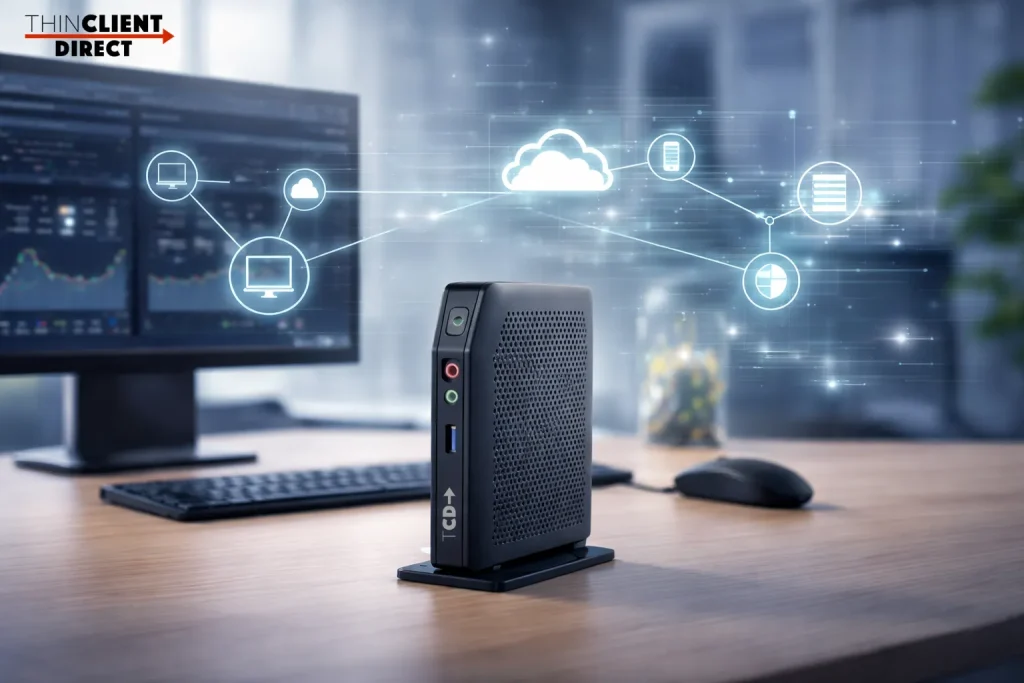
Thin clients are one of the simplest ways to support remote work. Instead of relying on complex laptops or unmanaged devices, a thin client provides a setup with controlled access to virtual desktops like Azure Virtual Desktop, Citrix, and Windows 365. This makes it easier for organizations to support remote teams, reduce security risks, and maintain consistent performance across any location.
When things start to feel uncertain, IT teams feel it first. Whether it is infrastructure issues, security concerns, or a sudden shift to remote work, the pressure builds quickly. Systems still need to run. Employees still need access. And everything has to stay secure.
So the question becomes simple. How do you keep your business running without adding more complexity or risk?
For many organizations, the answer comes down to the endpoint. If employees cannot reliably access their desktops or applications, everything slows down. Productivity drops. Support tickets pile up. Small issues turn into bigger ones.
That is where thin clients start to make a real difference.
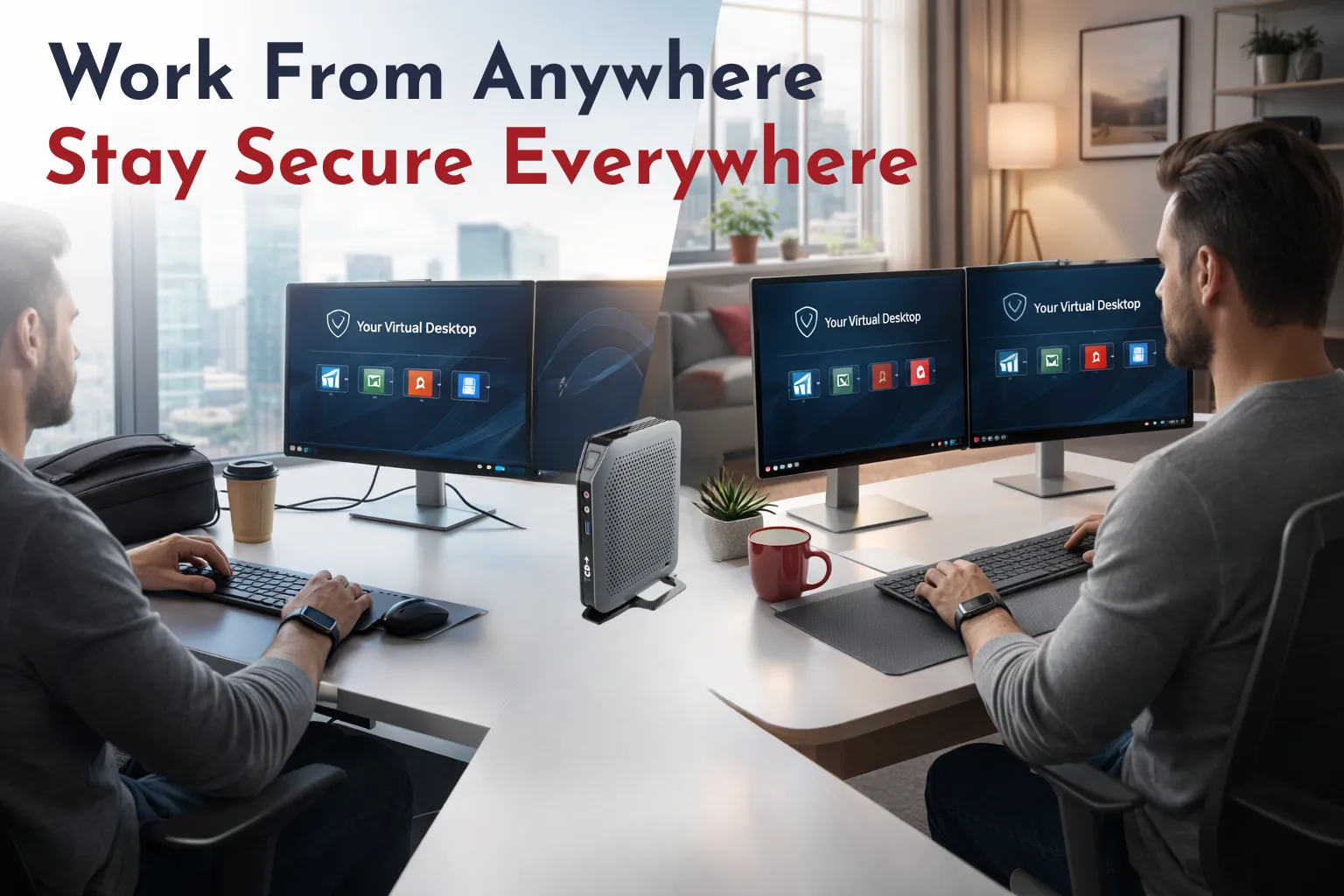
Table of Contents
ToggleWhy Traditional Devices Start to Break Down
Traditional laptops and desktops struggle to keep up with today’s demands. Securing and maintaining these devices across locations is challenging, and remote fixes can be time-consuming.
Now imagine dealing with that across dozens or hundreds of users working from different places. It adds up fast.
A Simpler Way Forward with TCD Thin Clients
ThinClient Direct takes a more practical approach. Instead of dealing with complex, high-maintenance devices, TCD thin clients offer a simpler, more secure way for users to access their digital workspace. This allows users to connect to Azure Virtual Desktop, Windows 365, Citrix, or Omnissa Horizon with greater simplicity and reliability.
The experience remains consistent no matter where the user is working. IT gains full visibility and centralized control, minimizing risk and effort.
Work From Anywhere Without Compromising Security
Work no longer happens in one place. People are moving between home, office, and temporary locations. Sometimes all in the same week.
TCD thin clients are built for how people actually work today. Unlike standard devices, they provide a uniquely secure, portable solution tailored to any work location and offer rapid setup. They are compact and easy to carry. Employees can use them at home and access the secure environment within minutes.
No sensitive data is stored locally—no complicated setup. No guesswork.
Just a consistent, secure workspace wherever work happens.
Turn Any PC Into a Secure Thin Client in Minutes
Here is where things get even more interesting. Sometimes you do not have time to wait for new hardware. Or maybe you already have devices sitting unused.
With TCD Desktop Repurposing, you can turn an existing laptop or desktop into a thin client using a USB drive or a simple install. No full rebuild. No long rollout process. Boot it up and connect to a secure workspace in minutes.
This gives you a lot of flexibility to:
- Reuse older hardware instead of replacing it.
- Enable secure access on temporary or personal devices.
- Standardize the experience across different machines.
- Extend the life of the equipment you already own.
When minutes count, you deploy and secure devices without delay.
Troubleshooting Becomes Much Easier
Anyone in IT knows how frustrating remote troubleshooting can be. Different configurations. Different issues. Too many variables.
TCD thin clients streamline troubleshooting by reducing IT burdens. Because everything is centralized, IT teams can quickly see what is happening and fix issues without physically touching the device. There are fewer things that can go wrong, and when something does, it is easier to resolve.
That means less back and forth and faster resolution.
What This Looks Like Day to Day
Organizations using TCD solutions can:
- Deploy secure thin client remote work setups quickly.
- Give employees a device they can use anywhere.
- Repurpose existing PCs when needed.
- Connect seamlessly to AVD, Windows 365, Citrix, or Omnissa.
- Reduce risk with a locked-down environment.
- Troubleshoot faster with centralized visibility.
- Keep a consistent experience across all users.
- Lower costs while extending hardware life.
Built for Real-World Situations
The organizations that handle disruption best are usually the ones that planned ahead. A strong endpoint strategy gives you that advantage. Whether you are using dedicated thin clients or repurposing what you already have, you are creating a setup that can adapt when needed.
Simple. Secure. Reliable.
Try It for Yourself
Start a 45-day TCD device trial and see how it performs in your own environment. Test our hardware with your users, your workloads, and your setup—no guesswork, just real results.
Test it with your users, your workloads, and your environment.
“Because resilience is not something you add later. It is something you build into your environment from the start.”